AutoPlus
Parking Lot Manager
Monitor and track vehicles. Lookup a VIN, take photos and save vehicle information on our NEW iPhone app!


Parking Lot Manager


Fast & Easy!

Parking Lot Manager is a tool to monitor vehicles in a parking lot, on your street or anywhere it’s important to know the identity of the vehicles and whether they are authorized to be there.

This app was created for managers of private parking areas at apartments, condos, or commercial buildings and for neighborhood watch organizations. It’s a fast and easy way to keep track of a group of vehicles.

The user can enter a license plate number or VIN using the keypad or the VIN barcode scanner. If the search button is tapped, the software will identify if the vehicle has been previously entered. The vehicle information can then be displayed. Tap Add Vehicle and a new record is created.
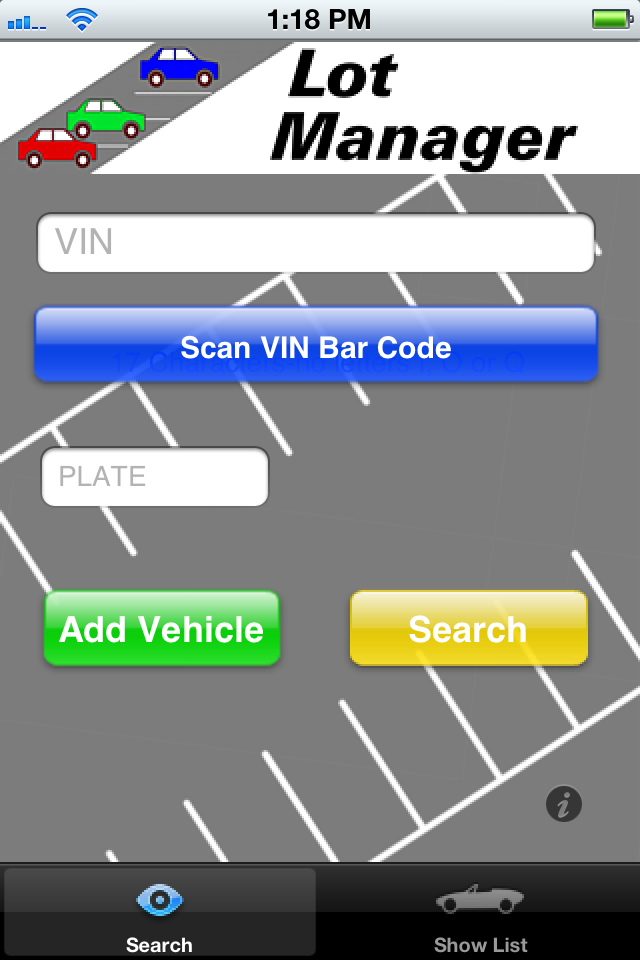
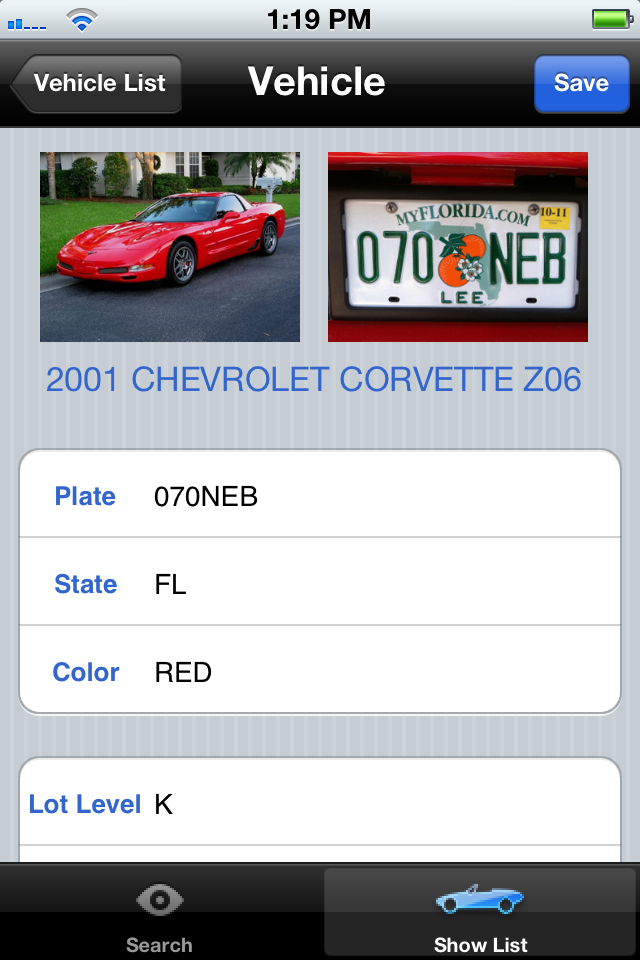
If the VIN is scanned or entered, Parking Lot Manager will automatically retrieve the Year, Make, Model and Trim for the newly discovered vehicle. Additional information can be added such as color, plate number, parking space number and a detailed note. A photo of the car and/or license plate (or the car’s owner) can be added. A one-touch in/out time stamp is available.

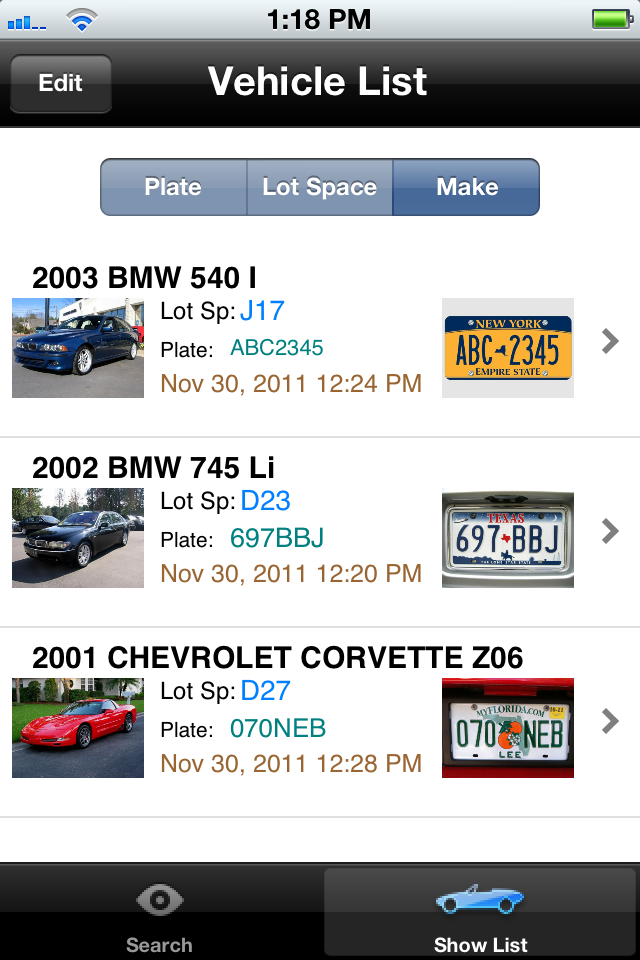
The list of vehicles are displayed in a table with thumbnail photos and can be sorted by plate number, car make, or lot space number for quick review. A vehicle’s complete record can be displayed and edited by tapping on any entry from the list.
Contact AutoPlus


Frequently Asked Questions

Where is the VIN located?

The VIN can be found on the driver's side dash near the windshield or on the driver's side door.

There is no Scan button. Scanning is only available for iPhone3GS, 4 and 4S users. It requires an autofocus camera.
The VIN won't scan. Follow the tips on the scan screen. Hold the phone steady 3-5 inches away from the VIN and give your camera time to autofocus. Make sure there is enough light. Reduce glare on the VIN.
Why wasn't the VIN valid? ALL VINs are 17 characters long. There are no letters I, O or Q. The I is a 1, the O is the number zero.
The VIN I see has less than 17 characters. The VIN Inventory app is for North American cars made after 1981.
The VIN wasn't found. Our VIN database has over 20,000 entries and is updated regularly. The vehicle may have just come on the market or it may be an unusual foreign vehicle for which we do not collect data.
Do I have to enter both VIN and plate? No. You can enter either one. If you enter both and click Search, the plate is used for the search.
Is the License Plate looked up in the DMV records?

No public records are searched. The plate info you enter is saved with your other vehicle info.

Do I have to use photos? No. And the photos do not have to be of the car and plate. You can use other photos that may be useful to you.
How is the TimeIn and TimeOut entered? Just tap the screen on those items. To change them to the current time, just tap again. To delete, just tap the X on the right side after you tap the item.
Can I change photos or info? Yes, tap the vehicle on the list screen and you can edit the info, time, and photos on the new screen.


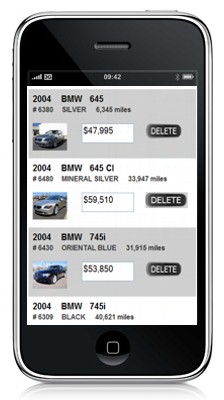
AutoPlus also has mobile dealership web sites and Inventory Control!


Mobile Websites
For Dealerships

Information when and where customers
need it. Anytime! Anywhere!

View PHOTOS, PRICES, & EQUIPMENT

Customers can
MAP YOUR LOCATION
GET DIRECTIONS
CALL YOU
EMAIL YOU
CALL FOR A SERVICE APPT.
and more...


PHOTOS

Up to 12 Pictures

Click on each one to see
them big!

Map of your location

Call or Email you


Inventory Control
For the Internet Manager


Fast & Easy!

Sales staff can view the inventory

Managers can
CHANGE the inventory
ADD New Vehicles!

- anytime, anywhere on an iPod or iPhone

Get our new Mobile Inventory for your dealership
for just $29/mo.

Call to get the link for your iPhone
See it today!
800-825-4838


Copyright 2010 Tanner Communications. All rights reserved.